
Panel "Language"
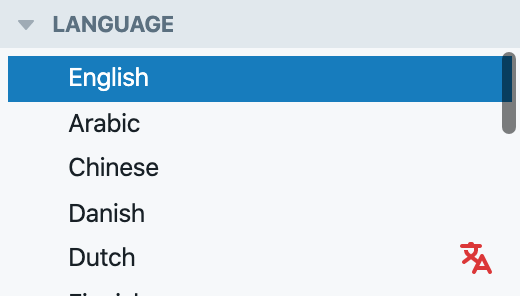
Lists available languages, and allows choosing a language to view or edit localized versions of items in. Affects all modules (but in "Review", only affects comparison target).
INFO
To bring application more in line with how registry data is managed, in the next version of the app language-specific registry item data will be split into subregistries, and the Languages panel will no longer work the way described on this page.
Listed languages
Languages supported by the registry are listed. If currently selected registry item had not been translated to certain language, that language will appear with a red "translate" icon.
Selected language
The selected language determines the language of registry information displayed, and in most ways is essentially like selecting a language subregistry.
Selected language affects:
- Primary concept designations (displayed in main view of List module, the Source panel, and Relationships panel)
- The contents of the Basics panel in List module
- The contents of the main view of the Card module
Revision choice is per-language. This means that selected language affects what's shown in Revisions and Selected Revision panels, and revision selected in Edit/Translate modules.
Special: Review module. In Review, the main view always shows proposed change in the language originally recorded in the change request. In this module, the Languages panel affects the comparison target: If a different language is selected using the Languages panel, then the main view shows a diff between the original language and the selected language.